Early Access
Install on Opera
About a minute. Then sign in with the wallet you already use on Polymarket — no email, no KYC.
In Opera, switch on Developer mode (top-right) if you don't see Load unpacked.
- Download and unzip. Unzip the file to get a folder called
better-polymarket. Keep it somewhere you won’t delete it.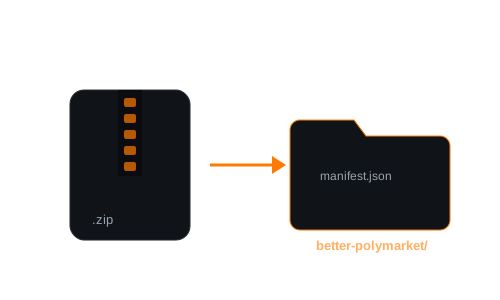
- Open your extensions page. Go to
opera://extensionsin Opera. - Turn on Developer mode (1) (top-right), then click Load unpacked (2) and choose the
better-polymarketfolder (the one withmanifest.jsoninside).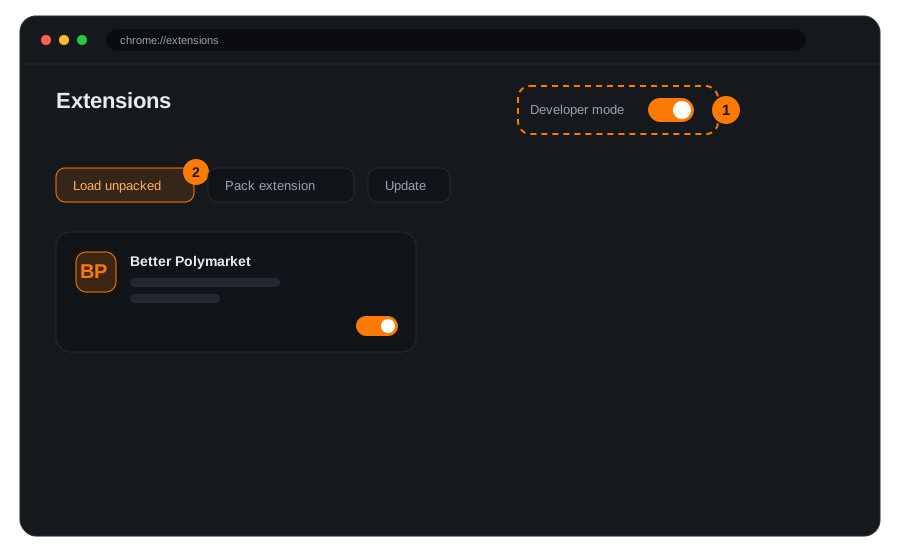
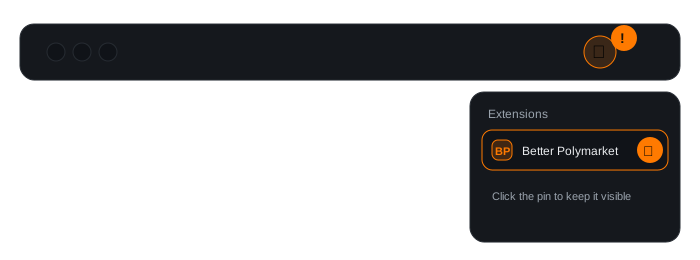
- Pin it. Click the puzzle-piece icon in the toolbar and pin Better Polymarket so it stays one click away.
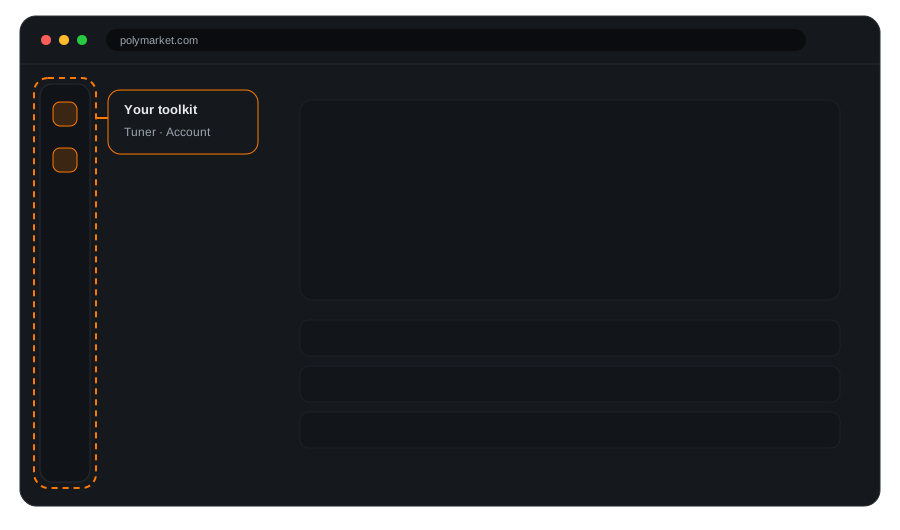
- Open Polymarket and sign in. Head to polymarket.com, open the rail on the left, and sign in with your wallet to switch everything on.
Safe and standard. Early Access loads through Opera’s built-in developer mode, the same way developers load extensions. Opera may show a quick developer-mode note at startup; that’s expected and harmless.
Troubleshooting
- “Load unpacked” is greyed out: turn on Developer mode first.
- It errors on load: you probably picked the zip or a parent folder. Choose the folder that has
manifest.jsondirectly inside. - The rail doesn’t show: refresh the Polymarket tab after installing.